
User Management Page: Navigating and Utilizing User Controls
The user management page is your central hub for all users who interact with the portal. This includes administrators, survey coordinators, and rostered survey respondents like students and teachers. Here’s how to access and make the most of user management features.
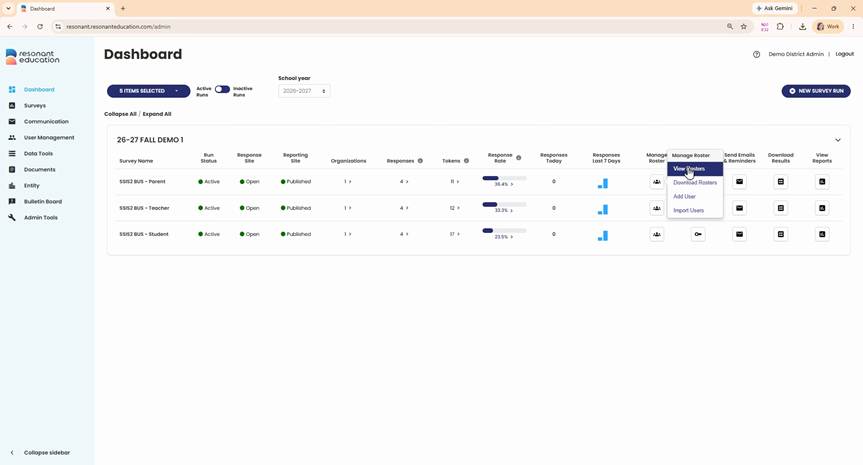
Step 1: Reach the user management page by clicking one of the icons under Manage Roster, then select View Rosters.
Step 2: Alternatively, click User Management from the main menu to access the page.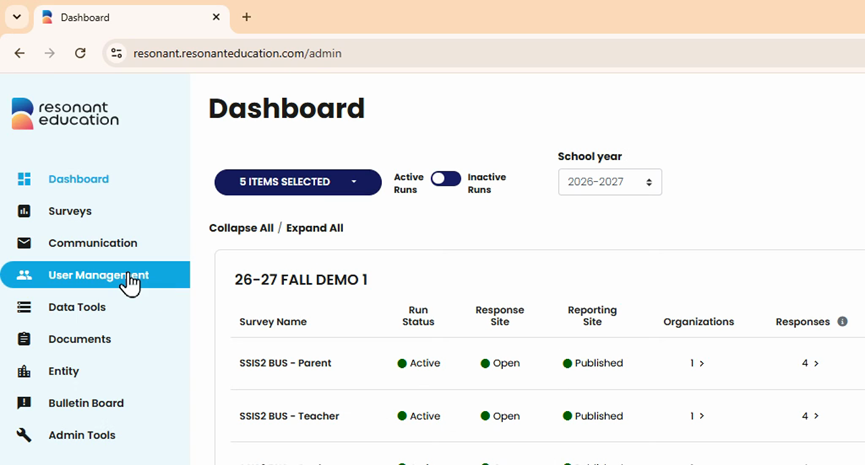
Step 3: Review the user table, which offers improved functionality for managing users.
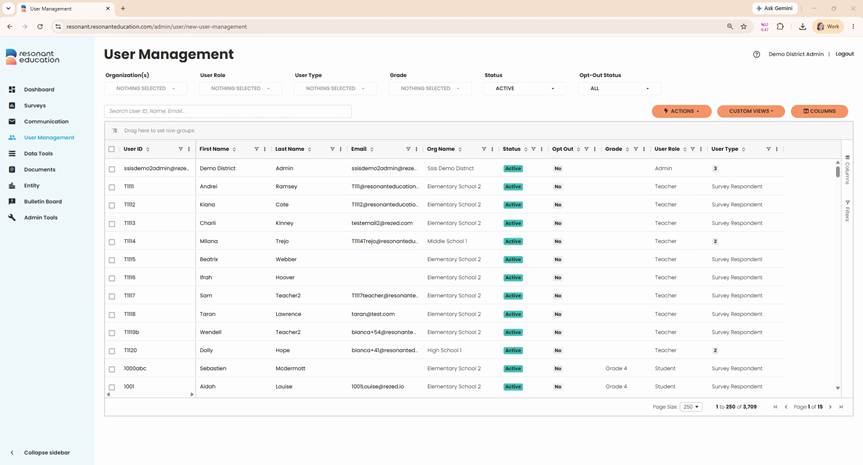
Step 4: Each row represents a single user with key details like unique ID, name, email, organization or school, status, opt-out status, grade level, user role, and user type.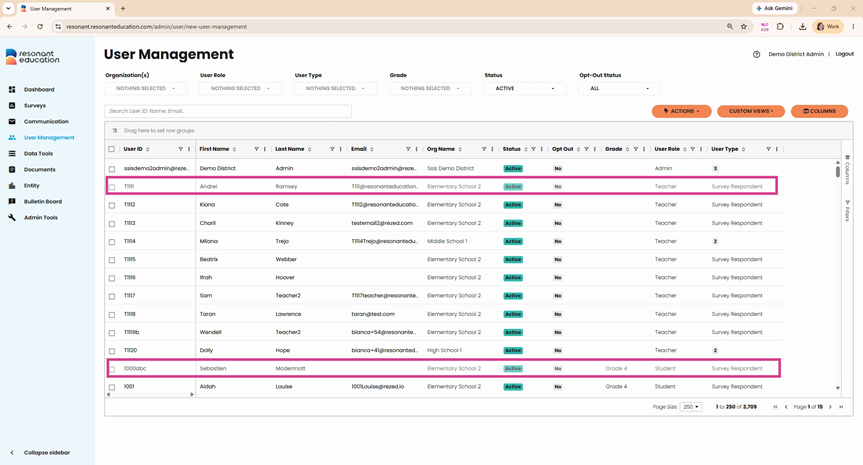
Step 5: These columns display by default. To customize which information appears, click the Columns button. Check or uncheck columns as needed.
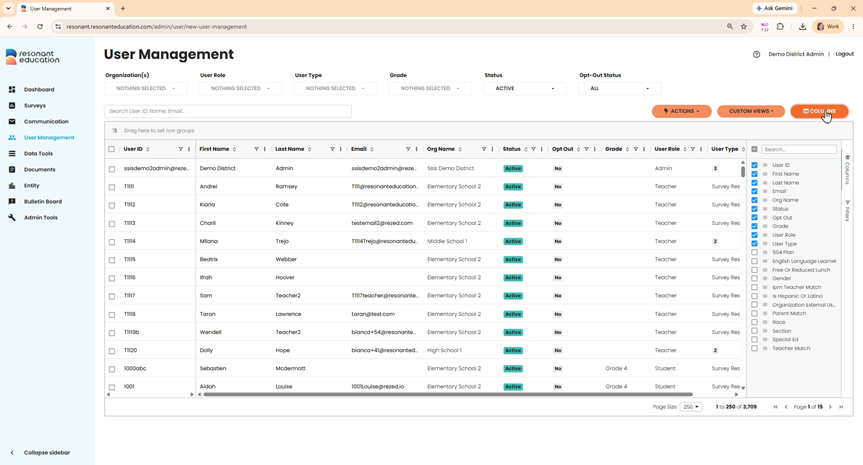
Step 6: For subject-based surveys (such as SSIS or Val Ed), turn on match columns to view relevant data.
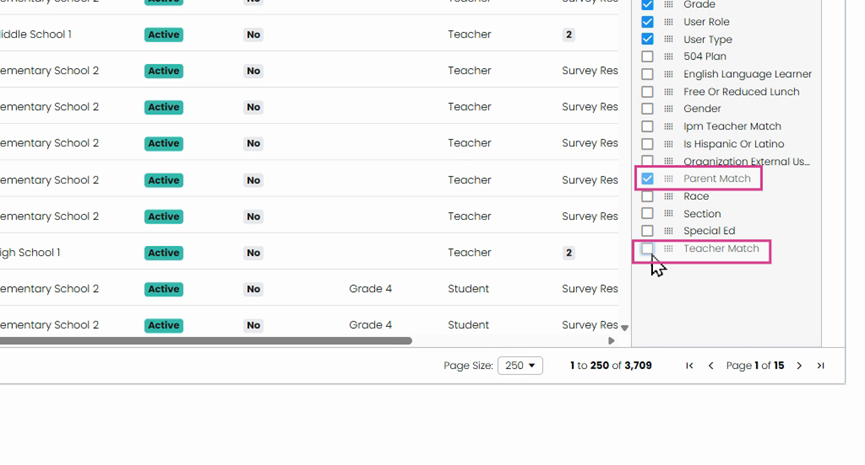
Step 7: Use filters at the top of the page or in each column to narrow down the user list.
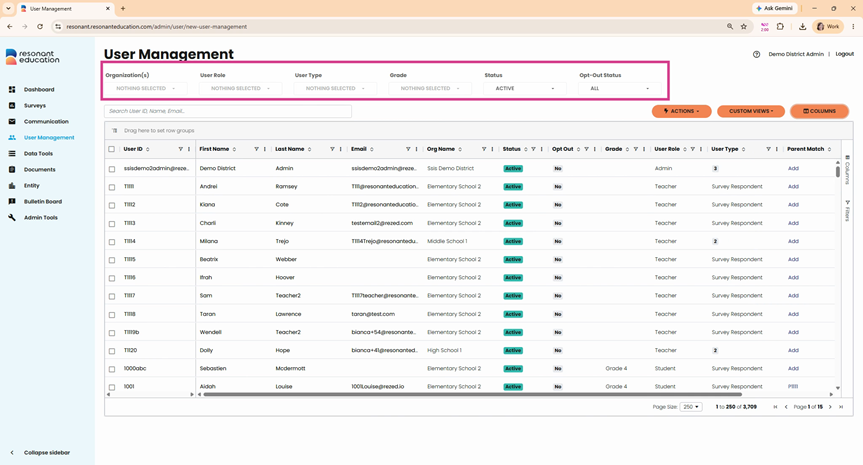
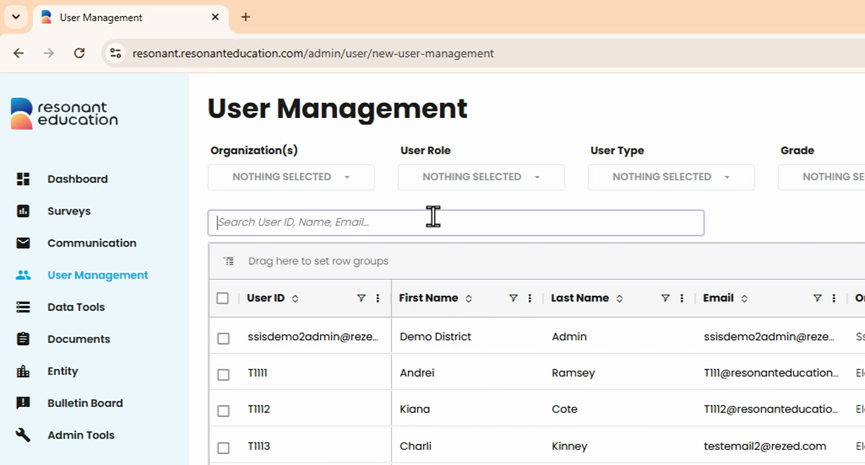
Step 8: To find a specific user, use the global Search box by entering their name, ID, or email.
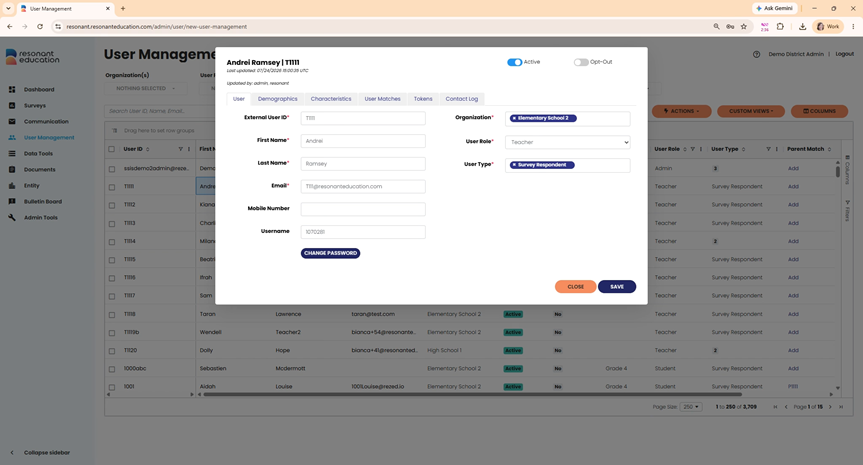
Step 9: Click a user’s name to view their user profile, where you can see and edit detailed information across several tabs.
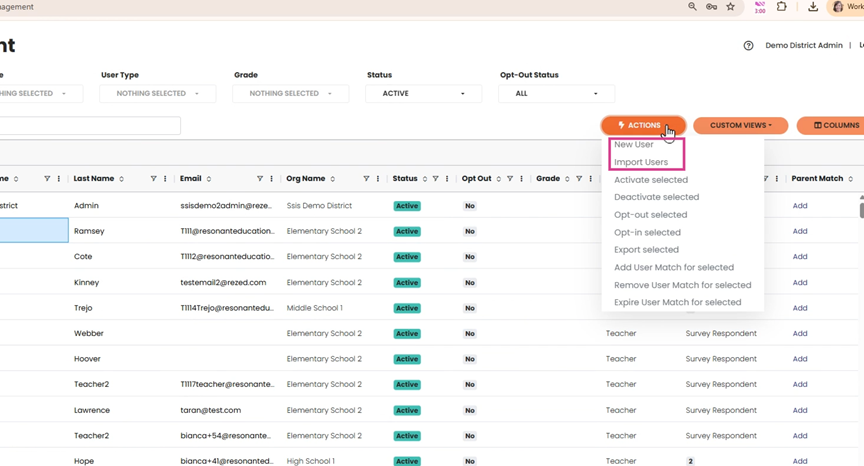
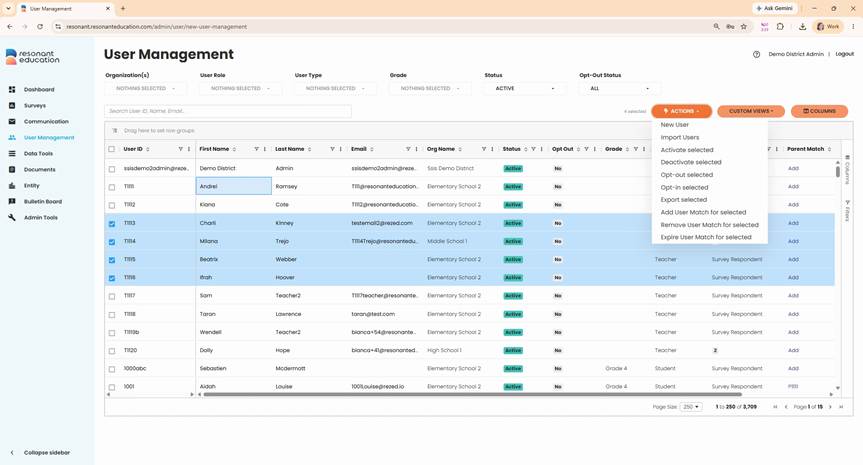
Step 1: Open the Actions drop-down to add new users individually or upload a user roster when no users are selected.
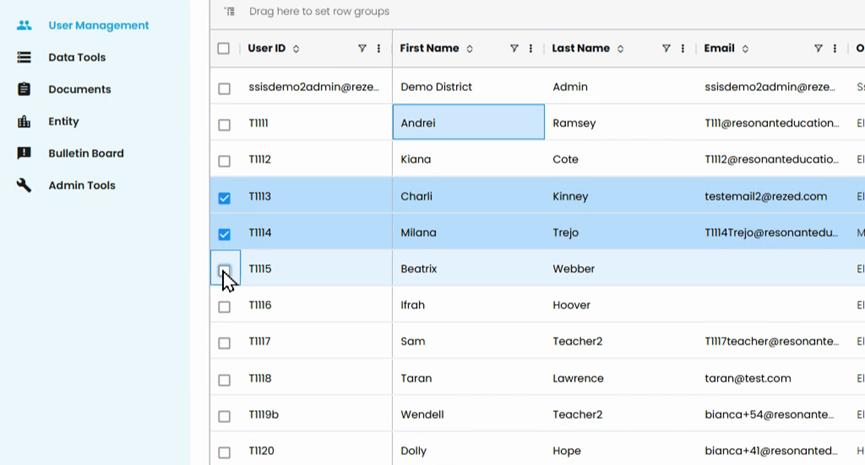
Step 2: Select the checkbox next to individual users’ names to enable bulk actions such as opting users in and out, exporting selected users, and activating/deactivating users.
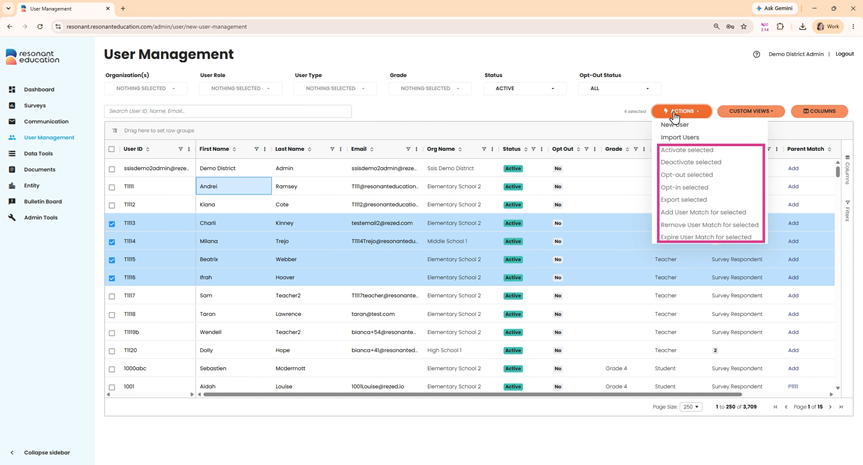
Step 3: For subject-based surveys, manage matches for groups of users as needed.
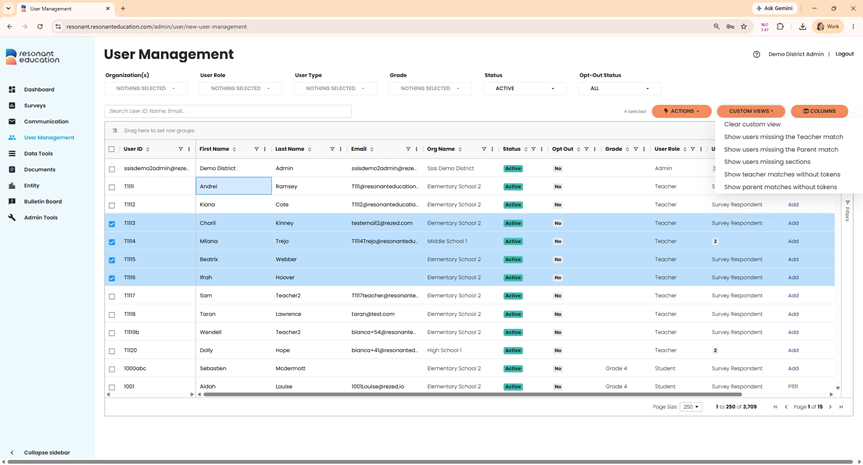
Step 1: Use Custom Views when managing SSIS surveys. This lets you quickly spot students missing matches, class section info, or tokens, making adjustments during survey administration easy.
The user management page gives you comprehensive control over your user base, from individual profiles to bulk actions. Tailor your view, perform targeted searches, and streamline survey administration—all in one place.